Tester

What to Give Your Web Developer Before Your Build Starts

Starting a new website is exciting. You’ve made the decision, you’ve found someone to build it — and then someone (probably your developer) sends you a list of things they need, and suddenly it feels a lot more like homework.

The good news? Getting organised before your project kicks off genuinely makes everything smoother. Less back-and-forth. Fewer delays. And usually, a better result. Here’s what to have ready.

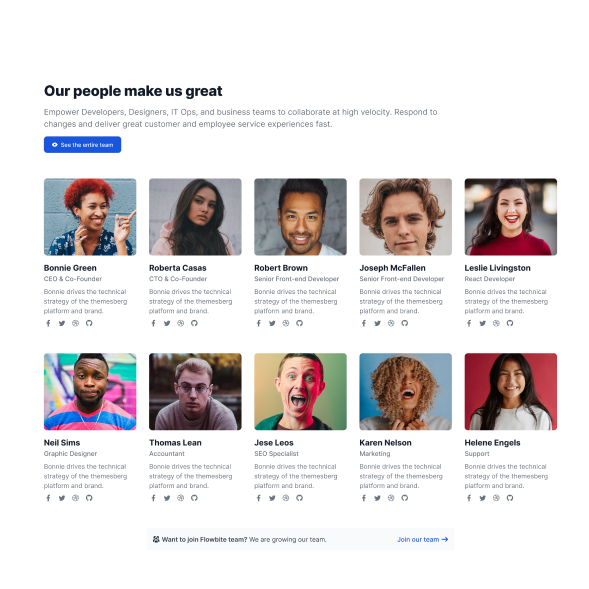
team members Block for website Design with multiple team members ttitles job title paragraphs

Your Written Content

This is the big one. Your web developer can build you the most beautiful site in the world, but if there’s no content to put in it, things grind to a halt.

Before your project kicks off, try to have ready:

  • A short paragraph about your business (your “About” section)
  • The names and brief bios of anyone you want to feature — founders, team members, key staff
  • The services or products you offer, with descriptions
  • Any key info — opening hours, location, contact details
  • Any testimonials or reviews you want to feature

You don’t need it to be perfect. That’s what editing is for. But having something written down saves weeks of back-and-forth.
Your Contact Information

This sounds obvious, but you’d be surprised how often it gets missed. Your developer needs all of it — not just your email address.

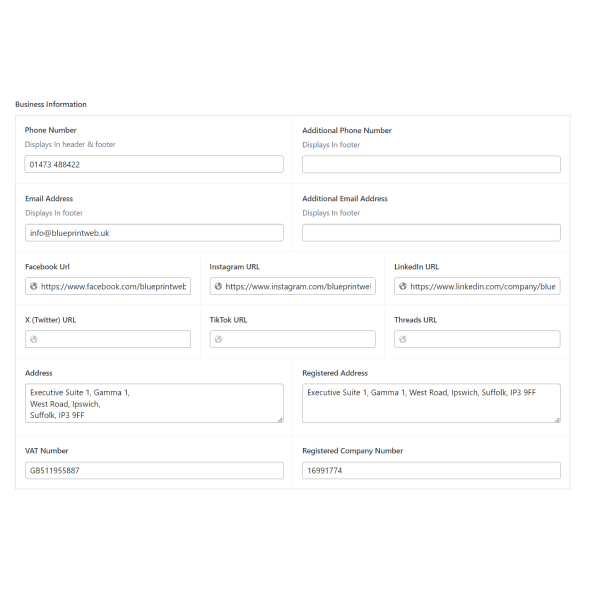
Think about what you want displayed on the site:

  • Your business address (or just town/region if you work from home)
  • Phone number
  • Email address — ideally a professional one, not a personal Gmail
  • Any social media profiles you want to link to (Facebook, Instagram, LinkedIn, TikTok — whatever you actually use)

Some of this will go in the footer on every page. Some will live on your Contact page. Either way, have it written down and ready.

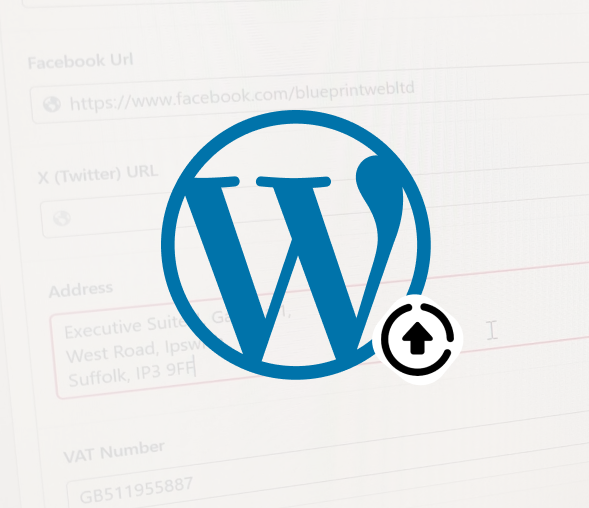
Example website contact information form layout for web development brief
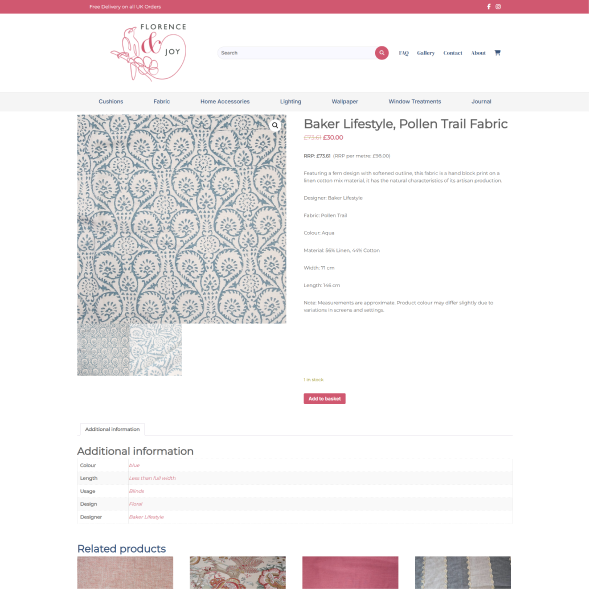
Example e-commerce website design showing product pages and colour palette

Your Services or Products — In Detail

This sounds obvious, but you’d be surprised how often it gets missed. Your developer needs all of it — not just your email address.

Think about what you want displayed on the site:

  • Your business address (or just town/region if you work from home)
  • Phone number
  • Email address — ideally a professional one, not a personal Gmail
  • Any social media profiles you want to link to (Facebook, Instagram, LinkedIn, TikTok — whatever you actually use)

Some of this will go in the footer on every page. Some will live on your Contact page. Either way, have it written down and ready.

Your Branding — Logos, Colours, Fonts

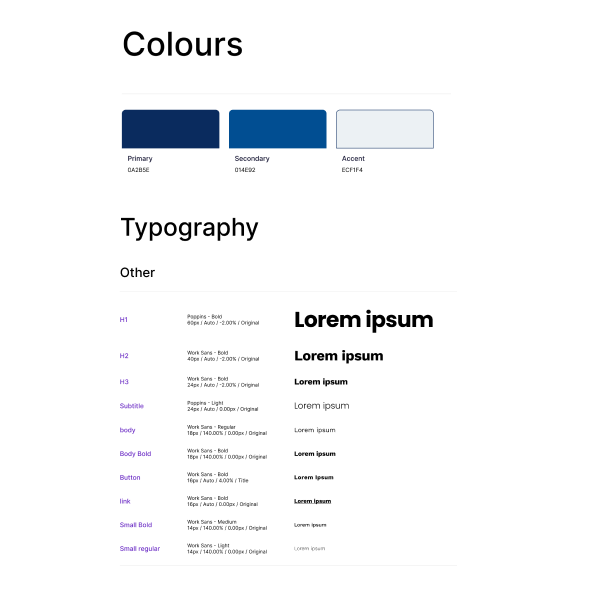
If you already have a logo, brilliant — send it over as a high-resolution file (ideally an SVG or PNG with a transparent background). If you know your brand colours, let your developer know the hex codes if you have them.

No branding yet? That’s absolutely fine — it just means that part of the conversation needs to happen first. We offer design as part of our process at Blueprint Web so it’s not a blocker, just something to flag early on.

Website brand colour palette example showing blue and grey tones with typography layout design system
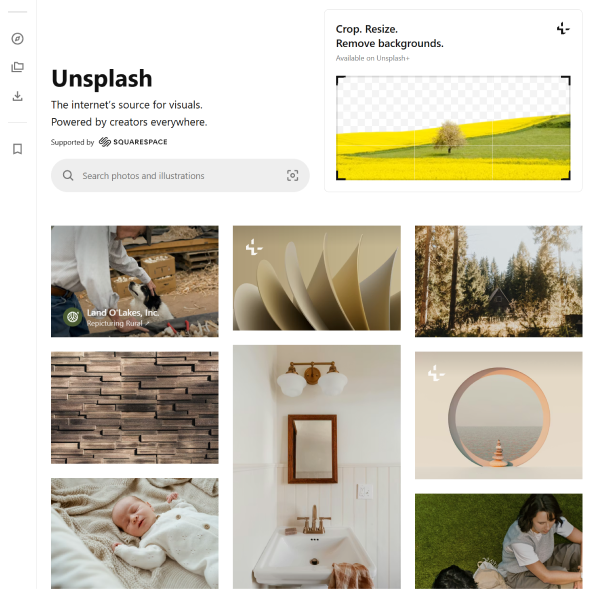
Unsplash free stock photography website for sourcing website images

Images and Photography

Stock photos can fill gaps, but real photos of your business, team, or products make such a difference to how authentic your site feels. If you have professional photography — amazing. If not, even good quality phone photos work better than nothing.

If you’re relying on stock imagery, have a look at sites like Unsplash or think about what kind of look and feel you’re after. A mood board (even a Pinterest board) is genuinely helpful. 🎨

Examples of Websites You Like

This one gets overlooked but it’s so useful. If you’ve spotted three or four websites where you’ve thought “I want something like that” — share them. It doesn’t mean your site will be a copy, it just gives your developer a clear steer on the style, layout, and feel you’re going for.

Equally, if there are things you’ve seen and hated, say so. Knowing what you don’t want is just as valuable.

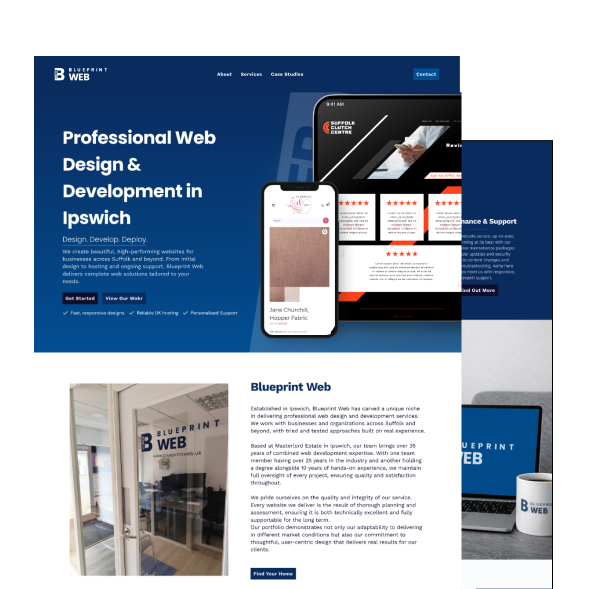
Blue print website Layout Inspiration for Marketing agency
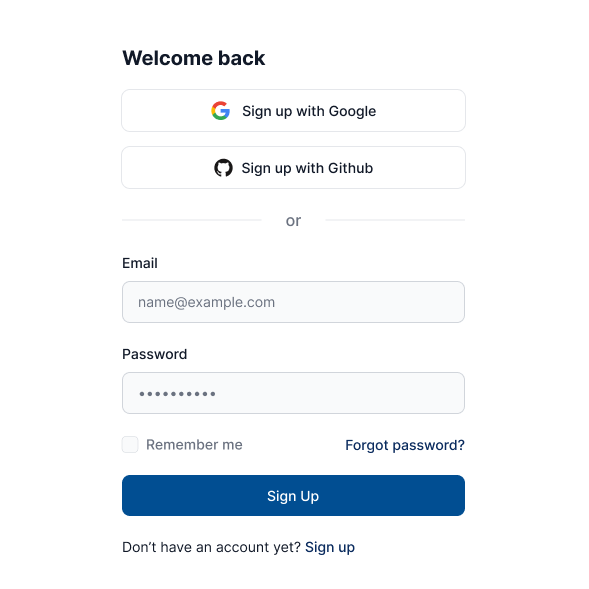
Example website login and sign up form for web development reference

Your Login Details

If you have an existing website, domain, or hosting account, your developer will need access at some point. It’s worth locating those login details early — digging them out mid-project is more common than you’d think, and it can cause delays.

Don’t worry about handing these over immediately — a good developer will tell you exactly when they need them and how to share them securely.

Getting this stuff together before the build starts means the whole project moves faster, smoother, and usually comes in at a better cost. It also means you feel more in control of the whole thing — and honestly, that makes the whole experience more enjoyable for everyone.

If you’re thinking about a new website and want to know what working with us looks like, drop us a message. We’re always happy to have a no-obligation chat.

Read More